The first time you open ClipPin it asks three questions. It takes about a minute, and you can change every answer later.
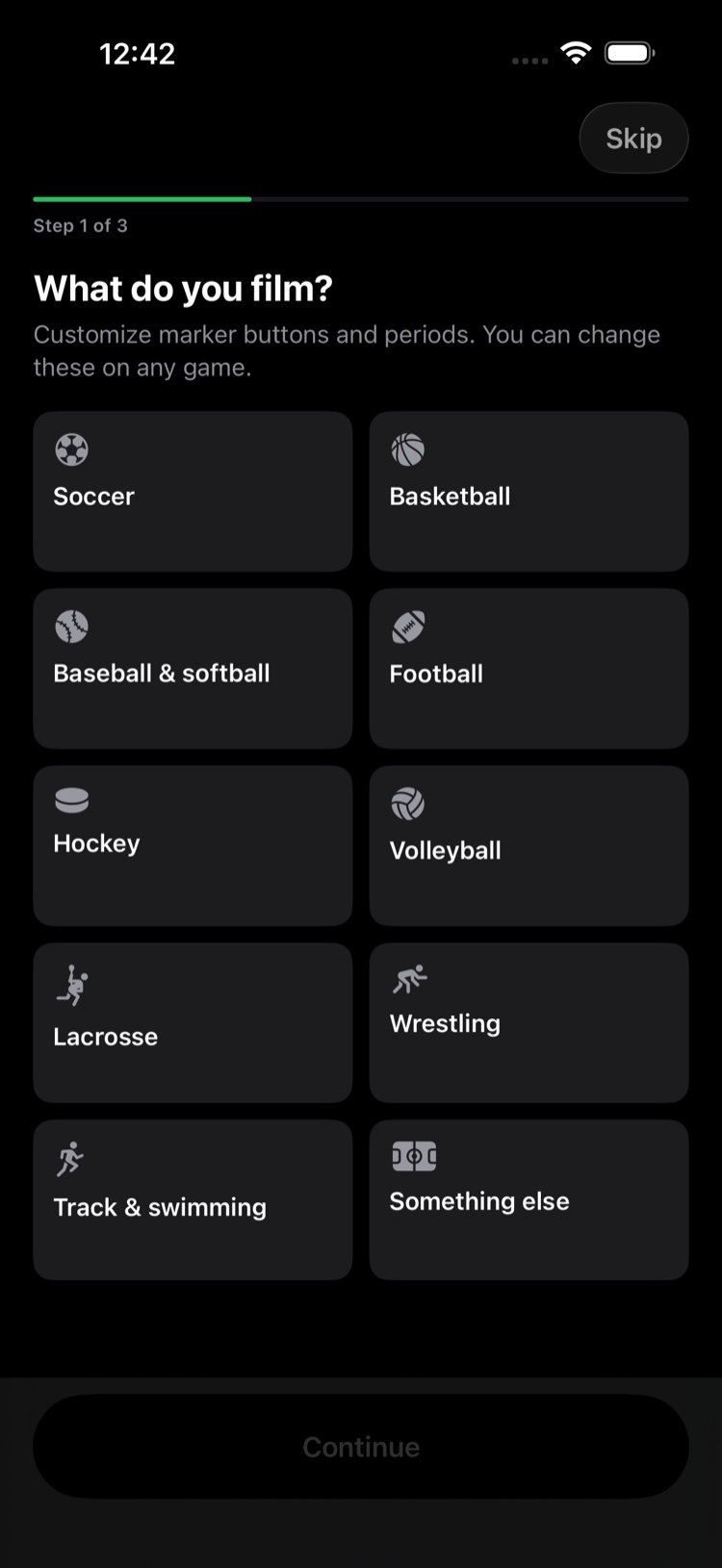
1. What do you film?
Pick your sport. This sets up your buttons — the ones you'll tap when something happens — and the quarters, halves, innings, or sets your sport uses.
Multi-sport family? Pick the one you film most. You can switch sports on any individual game.
2. These are your buttons
A preview of what you'll be tapping while you film. Tap any button to rename it — "Bucket" to "Basket," say.
Only the name changes here. Colors and timing stay as they are, and you can adjust those later.
Changed your mind? Start over with the standard set puts the originals back.
3. Add your favorite teams
Type your team's name and it becomes Team 1 on your first game — New Game opens on Who are they playing?, so the only name left to type is the opponent's. Skip for now is fine if you'd rather do it later.
Skipping and finishing
Skip in the corner exits setup at any point; sensible defaults are used. At the end you'll see the passes — close it if you're not interested. Nothing is blocked.
Next: Create a Game or Tournament · Get Started in 5 Minutes
Still stuck? Email us at hello@getclippin.com.