The scoreboard lives on the recording screen, so you never have to leave the camera to keep score.
- When a team scores, tap their score button in the bottom corner of the screen. It's a pill with a white + and the team's short name.
- Added one by mistake? Press and hold the same button to take one away.
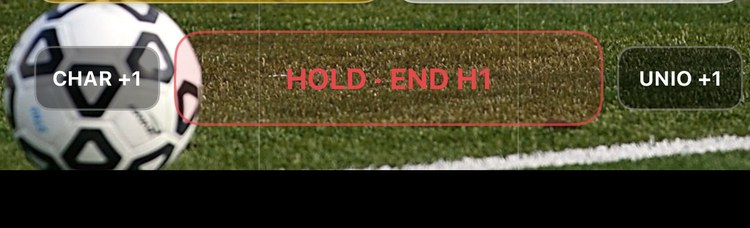
A small Undo button appears for a few seconds after each tap, if you want to back out faster. That's the whole system.
Family sees it live
If you've shared a follow link, family watching on the web sees the score change within a few seconds of your tap. (ClipPin waits a moment before sending, so a quick fix on your end never flashes a wrong score to grandma.)
Fixing the score later
You can adjust the score any time:
- Between quarters — the break screen shows the score as two rows with − and + buttons next to each team's name.
- At the end — when you tap End Game, ClipPin asks for the final score. It's optional, and you can edit it later on the game screen.
The score is separate from your video and your marked plays — changing it never touches your clips.
Next: End a Quarter or End the Game · Invite Family to Follow Your Games
Still stuck? Email us at hello@getclippin.com.