Nothing is lost. ClipPin saved the recording the moment the interruption arrived, along with every play you had marked.
What you'll see
The camera shows an orange note like "Q3 interrupted · 6 plays saved", with two choices:
- RESUME Q3b — carry on with the same quarter. This is usually what you want. The rest of the quarter records as a second piece, and both pieces belong to Q3.
- Start Q4 instead — if the quarter ended while you were dealing with the call.
If you'd already left the camera, you'll get the same offer on the game screen instead: "Q3 ended early", with Start Q3b now.
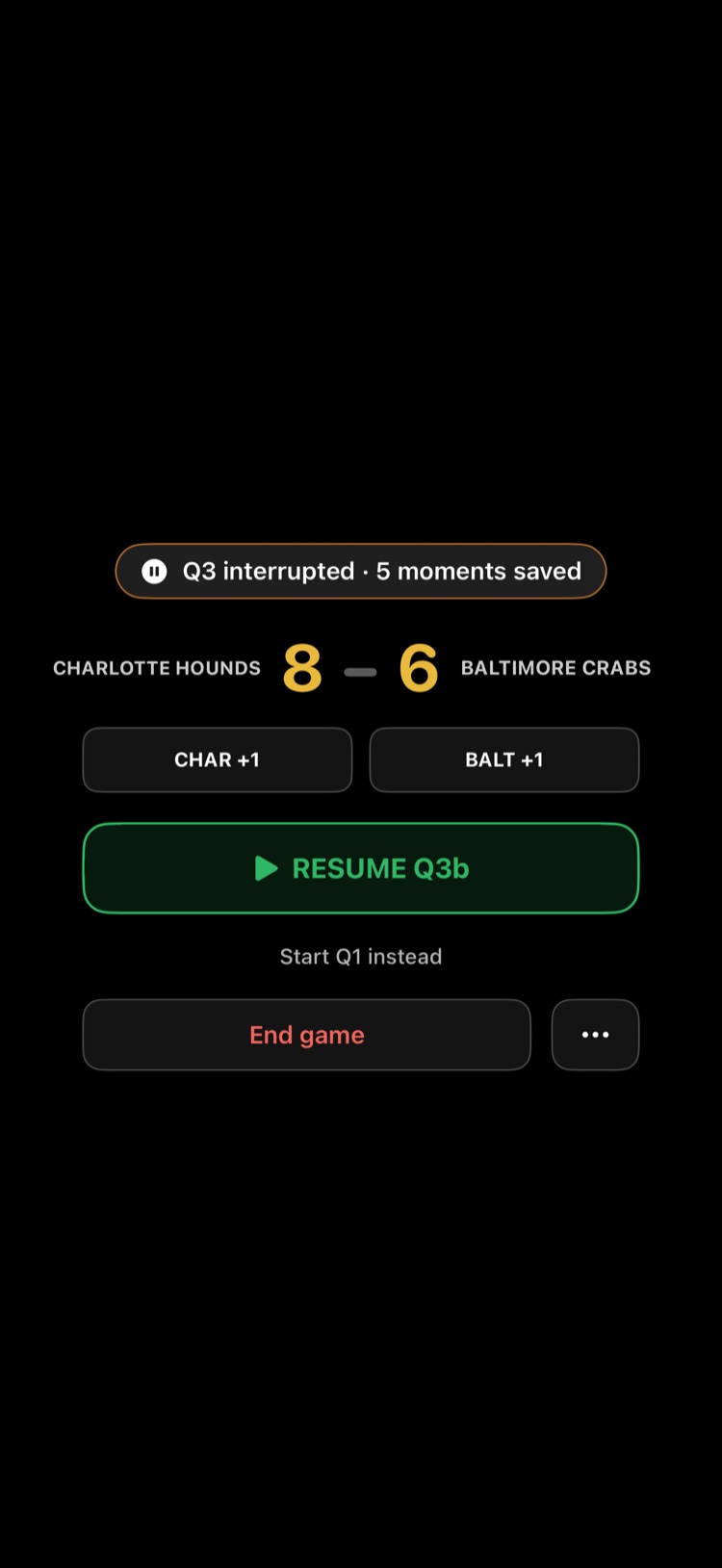
Periods that were cut short are labelled ended early in the game's period list, so you can see what happened later.
Why it happens
iOS gives phone calls, alarms, and some other apps priority over the camera. When that happens ClipPin can't keep recording, so instead of losing the take it closes the recording cleanly and waits for you.
Backgrounding the app — swiping home, answering a message — does the same thing.
Avoiding it next game
- Turn on Do Not Disturb or a Focus before kickoff.
- Leave ClipPin in the foreground while a period is recording.
- If the phone gets very hot in direct sun, it may also stop to cool down. Shade helps, as does 1080p instead of 4K.
Next: End a Quarter or End the Game · Game-Day Filming Tips
Still stuck? Email us at hello@getclippin.com.